What is the MackinVIA™ Reader?
The MackinVIA Reader is a cross-platform application that allows you to access Mackin-hosted resources. The Reader provides an assortment of features that enhance your reading or listening experience. Mackin-hosted resources include:
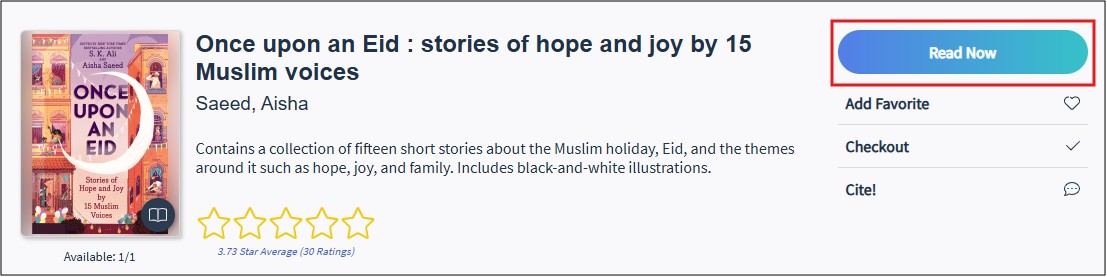
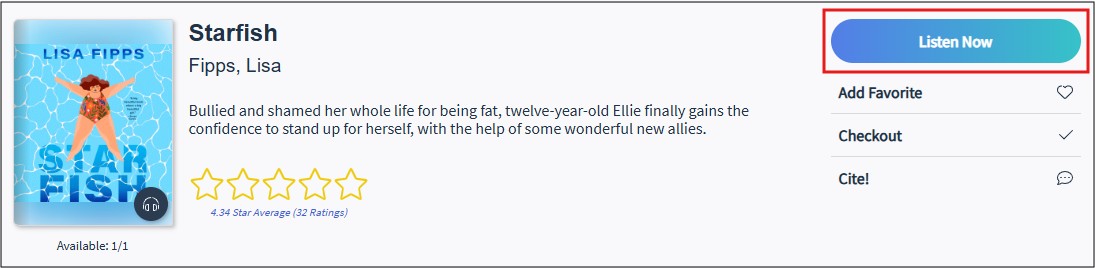
These resources will open in the MackinVIA Reader when you select the Read Now button (for ebooks) or Listen Now button (for audiobooks). Only Mackin-hosted titles are viewable and/or downloadable in the Reader. Please Note: Your school may own digital resources hosted on other platforms as well.
What accessibility features are available in the MackinVIA™ Reader?
MackinVIA includes the following features which vary by file format and publisher:
- Text-to-speech (including support for native and server-side) with active text highlighting, voice options, and adjustable playback speed for reflowable and fixed layout eBooks
- Zoom in/out for fixed layout eBooks
- Font options, including OpenDyslexic, for reflowable eBooks
- Text size control for reflowable eBooks
- Contrast control, including white, sepia, and black backgrounds, for reflowable eBooks
- Brightness control for reflowable eBooks
- Playback speed control for audiobooks
For more information about these features, please visit https://help.mackinvia.com/mackinvia-reader-ebooks/ and https://help.mackinvia.com/mackinvia-reader-digital-audiobooks/.
MackinVIA has been tested and is compatible with the following types of assistive technology:
- Screen Reader Software
- Magnification Software
Please visit https://home.mackin.com/digital/mackinvia/accessibility/ for more information.